

Independent app. Wealthfolio is an independent portfolio-tracking application and is not affiliated with, endorsed by, or sponsored by Chase.
United States
Track Chase Accounts with Wealthfolio
Wealthfolio is an independent, open-source portfolio tracker. It is not operated by Chase, and your Wealthfolio portfolio database is stored locally on your device.
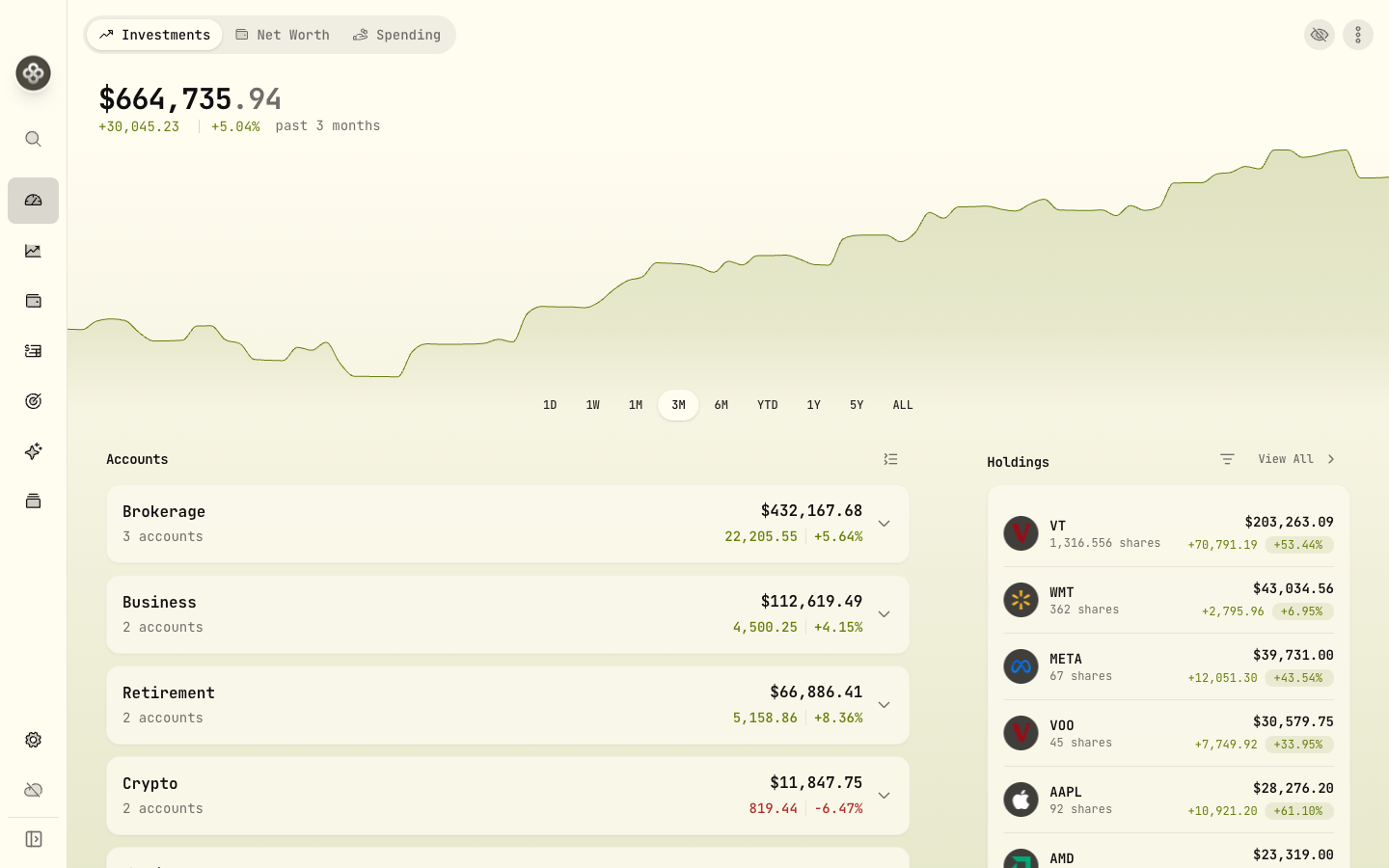
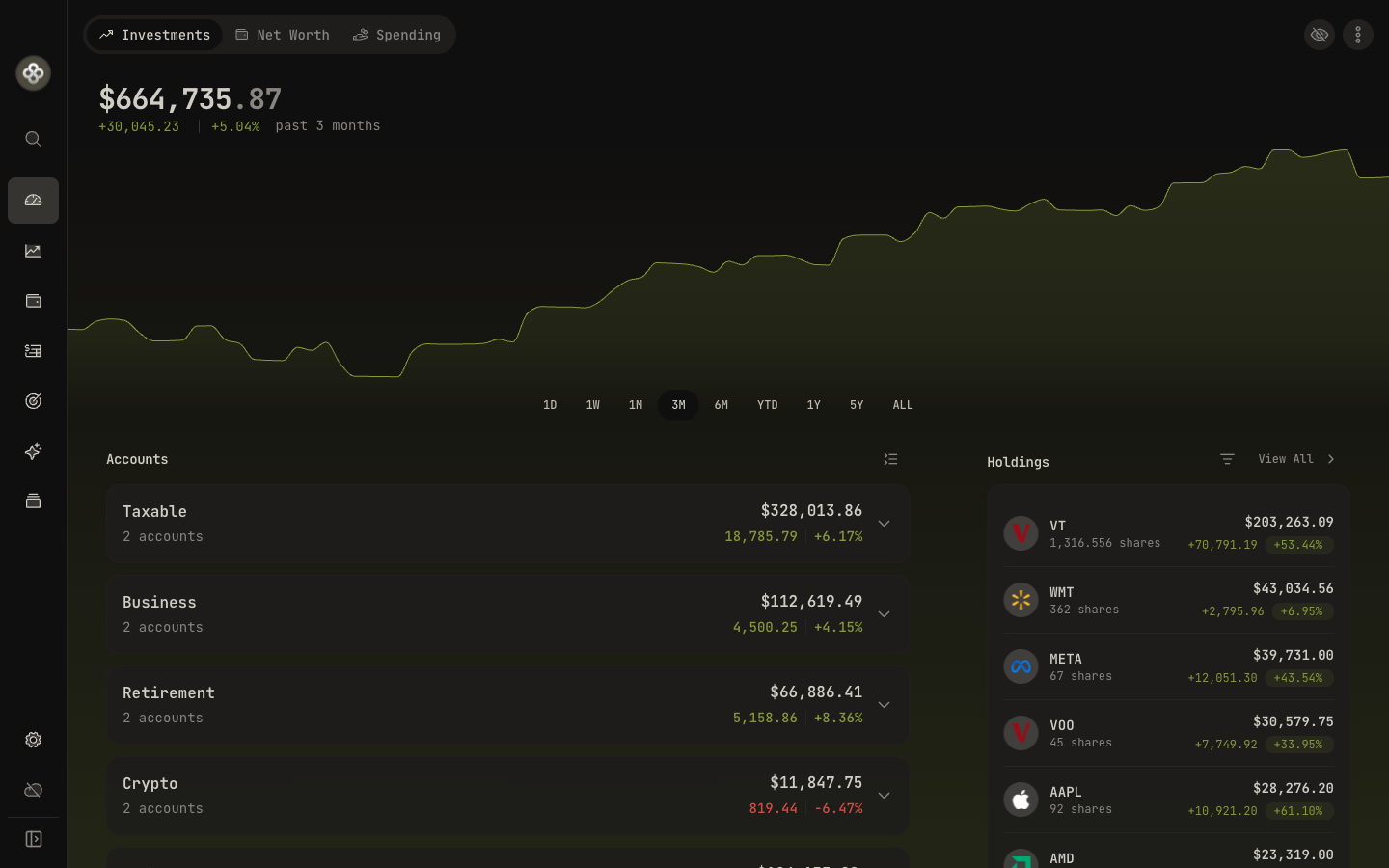
Wealthfolio is an open-source, local-first portfolio tracker for your Chase investments. Your Wealthfolio portfolio database is stored locally on your device, not in a Wealthfolio cloud database.
There are two ways to track Chase: automatic, read-only syncing of holdings and balances through Wealthfolio Connect (an optional paid subscription), or the built-in CSV importer, which is free forever, like the app itself. Either way, you get true time-weighted and money-weighted returns, dividend income tracking, benchmark comparison, and a clear view of all your accounts in one place, built to work great for investors in United States.
Read-only connection
Wealthfolio creates read-only connections and does not request trading permissions, so it can never trade or move money in your Chase account.
Local-first data
Your portfolio lives in a database on your computer, not in a Wealthfolio cloud database.
Open source
Auditable code, no lock-in: your data is always exportable.
Two ways to add your Chase account
Automatic sync through SnapTrade
For automatic sync, Wealthfolio opens SnapTrade's hosted connection flow, where you sign in on Chase's own website. Chase authorizes read-only access, and SnapTrade returns only the portfolio data you approve. Your Chase username and password are entered on Chase's site, never in Wealthfolio.
Automatic sync is part of the optional Wealthfolio Connect subscription.
Learn about Wealthfolio ConnectFree CSV import
Export your activity from Chase and import it with Wealthfolio's smart CSV importer, including your complete past history. Free forever, no account required, works fully offline.
How importing worksSecurity & privacy
- Wealthfolio is an independent, open-source application and is not operated by Chase.
- Wealthfolio does not ask you to enter your Chase credentials on this page. When you set up automatic sync in the app, you sign in on Chase's own website through SnapTrade's hosted flow. Wealthfolio receives only the portfolio data you authorize, never your username or password.
- Wealthfolio receives only the Chase account data you authorize through the connection, such as holdings, balances, and transactions.
- Automatic account synchronization is processed through SnapTrade.
- Before signing in anywhere, verify the destination URL so you know which service you are authenticating with.
- Wealthfolio's source code is public. Review it on GitHub (opens in a new tab) .
Real performance numbers for your Chase portfolio
True returns, not just balance changes
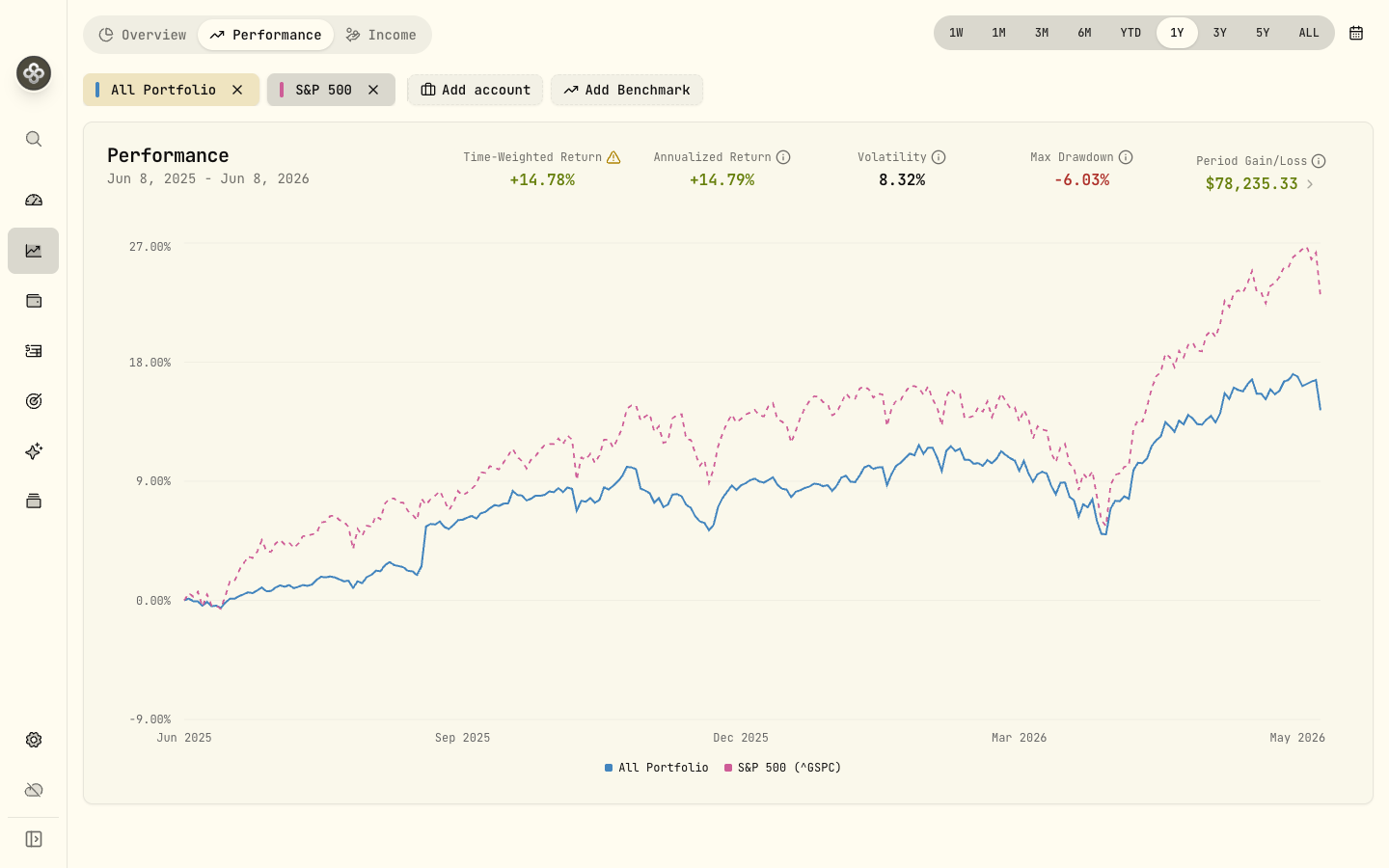
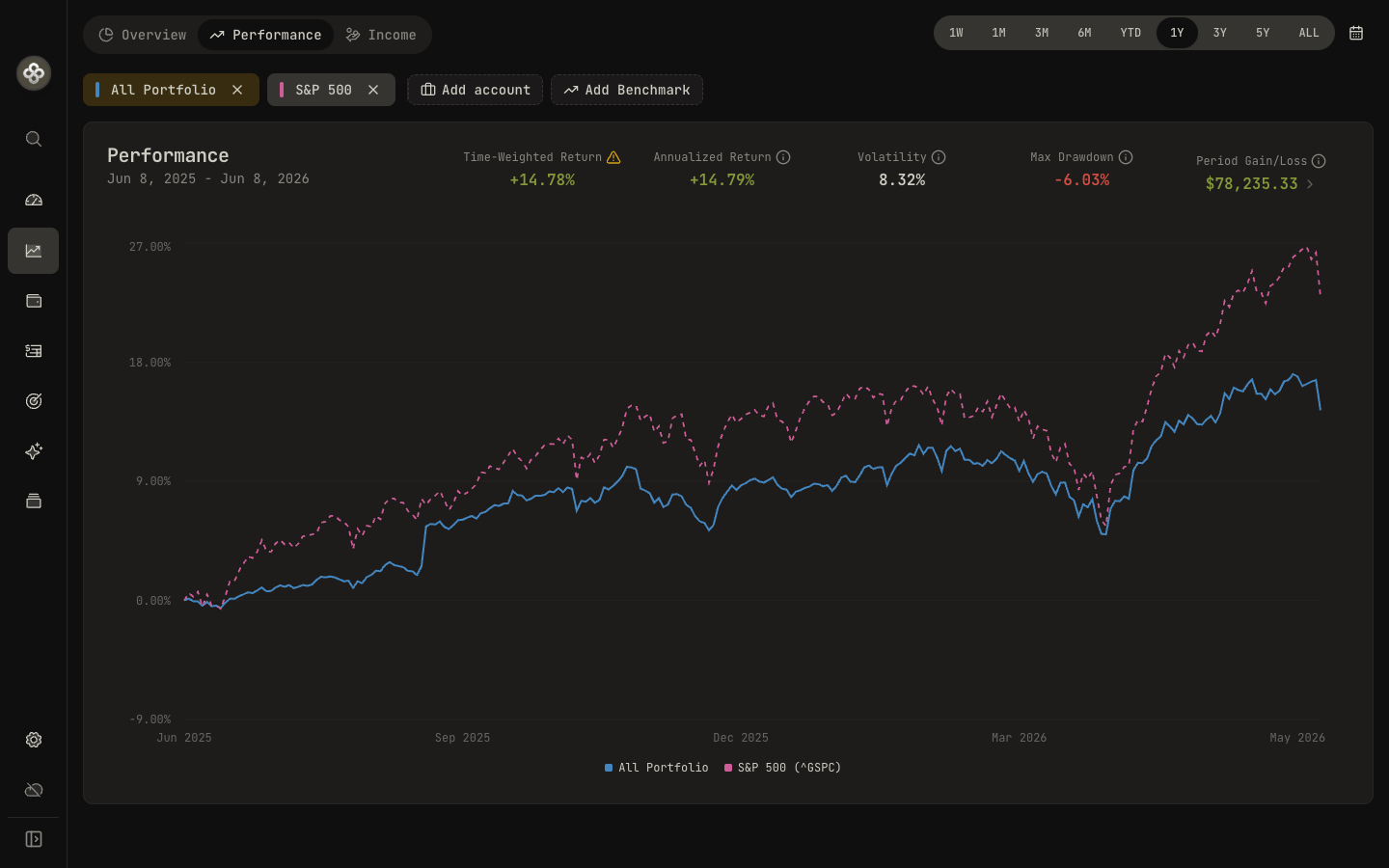
Time-weighted and money-weighted returns over any period, so deposits never get counted as gains.
Benchmark comparison
Chart your portfolio against the S&P 500 or any ticker and know whether you're beating the index.
Dividend & income tracking
Every dividend and interest payment tracked, with income summaries by month, account, and holding.
All your accounts, one portfolio
Combine Chase with accounts at any other institution, synced, imported, or manual, across currencies.
Frequently asked questions
Can I track my Chase accounts with Wealthfolio?
Yes. You can sync your Chase account automatically with Wealthfolio Connect (a read-only connection through SnapTrade, which is SOC 2 Type II compliant), or import your activity for free using the CSV importer. The app itself is free and open source.
Is it safe to connect my Chase account?
Wealthfolio creates read-only connections and does not request trading permissions, so it can never trade, move money, or change anything in your Chase account. Authentication is handled through SnapTrade, which is SOC 2 Type II compliant, and your Wealthfolio portfolio database is stored locally on your device, not in a Wealthfolio cloud database.
What does syncing from Chase include?
Holdings, balances, and transactions sync automatically, so your positions, performance, and dividend income stay up to date.
How much does it cost?
The Wealthfolio app is free and open source, so manual tracking and CSV imports cost nothing, forever. Automatic broker syncing is part of Wealthfolio Connect, an optional paid subscription; see the Wealthfolio Connect page for current plans and pricing.
Can I see Chase together with my other accounts?
Yes. Wealthfolio is built for multi-account portfolios: combine Chase with any other brokerage, bank, or crypto account, synced or manual, and get unified performance, allocation, and income views across everything, in your currency of choice.
Does Chase have a public API?
Yes. Chase provides API access through Akoya, which SnapTrade uses. You authorize the read-only connection on Chase's own website (OAuth).
Is Wealthfolio affiliated with Chase?
No. Wealthfolio is an independent, open-source portfolio-tracking application and is not affiliated with, endorsed by, or sponsored by Chase. Chase is referenced only to explain compatibility with supported account-connection or portfolio-import workflows.
Also supported
Start tracking your Chase portfolio
The app is free and open source, and your Wealthfolio portfolio database stays on your device. Import via CSV for free, or add automatic syncing with the optional Connect subscription.
Chase and its associated trademarks are the property of their respective owners. Wealthfolio is an independent project and is not affiliated with or endorsed by Chase.