

Wealthfolio is an independent portfolio-tracking application and is not affiliated with, endorsed by, or sponsored by Interactive Brokers.
International
Track your Interactive Brokers portfolio with Wealthfolio
Connect your eligible Interactive Brokers accounts once. Wealthfolio keeps supported data up to date and brings your multi-currency investments together with other institutions.
Brokerage sync is included in Wealthfolio Connect Essentials, from $7.99/mo. How Connect works
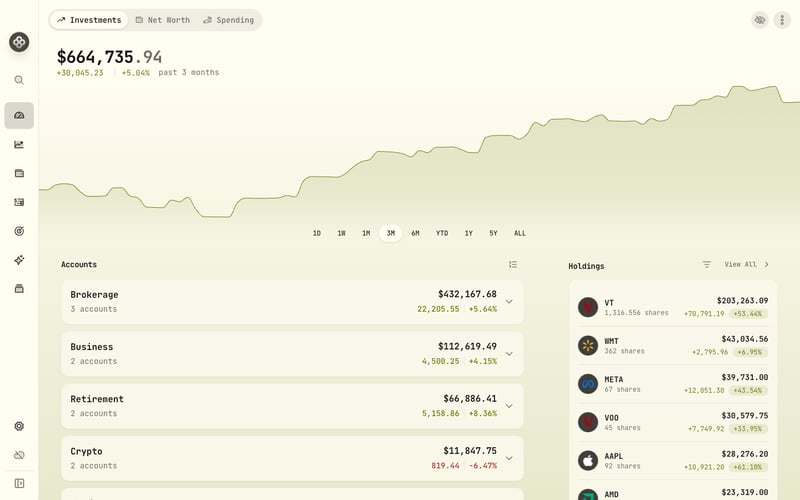
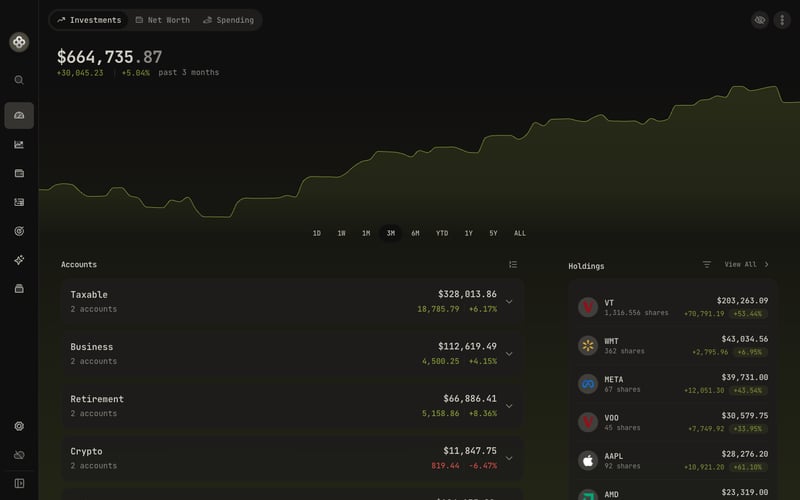
From your Interactive Brokers account to your whole investment picture
Keep your portfolio current
Keep supported balances, holdings, and activities up to date using the refresh options available for this connection.
Bring institutions together
See Interactive Brokers alongside your other brokerage, crypto, and manually tracked accounts in one investment and net worth view.
Use the combined picture
Explore allocation, income, performance, goals, and benchmarks across the investments you bring together.
Available views depend on the data and history supported by each connection.
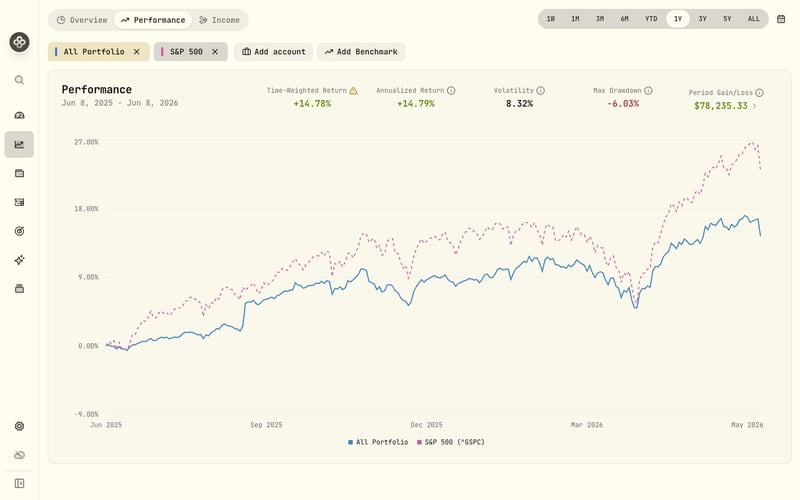
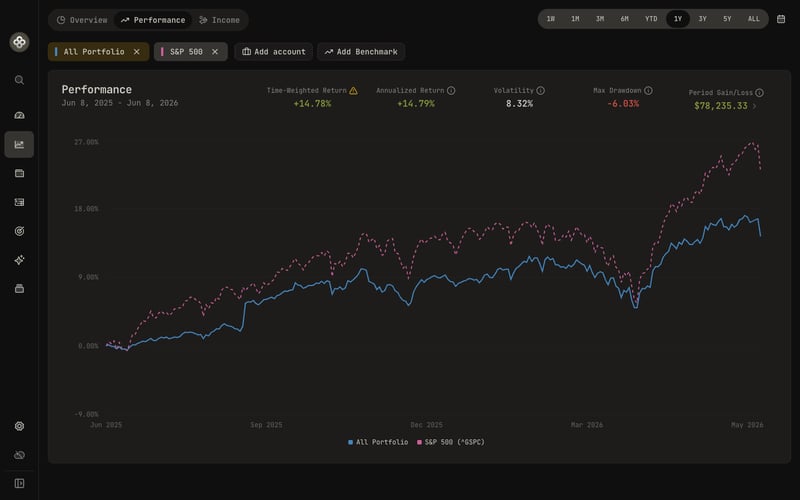
What syncs from Interactive Brokers
- Available data
-
- Account balances and positions
- Buys, sells, deposits, withdrawals, dividends, interest, adjustments, option events, and splits
- Eligible accounts
- Eligible Interactive Brokers accounts returned after enabling SnapTrade under IBKR Third-Party Services.
- Available history
- Up to two years of account activity may be available.
- Updates
- Daily start-of-day data, typically around 2 a.m. EDT on weekdays, excluding holidays. Holdings can lag by one business day.
- First update
- Usually 24–48 hours. Friday, weekend, and holiday connections can take longer.
How to connect Interactive Brokers
Connection method: Use your IBKR Flex Query details. Follow the steps below to add the account.
-
Start the Interactive Brokers connection in Wealthfolio and keep SnapTrade's secure connection window open.
-
Sign in to IBKR separately, open Performance & Reports → Third-Party Reports, select the gear icon, enable SnapTrade, and save.
-
Copy the Query ID and token generated by IBKR into the SnapTrade connection window.
-
Complete the connection, return to Wealthfolio, and review your accounts after the first update finishes.
Your account stays under your control
Read-only access
The connection can retrieve account data. It cannot place trades or move money.
Your sign-in
Wealthfolio never receives your Interactive Brokers username or password. The Flex Query details give SnapTrade access only to the IBKR reports configured for the connection.
Your Wealthfolio data
Supported account data is passed to Wealthfolio on your device. Wealthfolio does not persistently store your holdings, balances, or activities on its servers.
Good to know about this connection
- Holdings can be one business day behind, or several calendar days around weekends and holidays. Sync now retrieves the available report; it does not provide intraday data.
- Weekend connections can take around 48–72 hours to return their first data. Holiday connections may add another 24–48 hours. These are estimates, not guaranteed completion times.
- If no account data appears after 72 hours, contact SnapTrade support for help with the connection.
- The connection provides up to two years of account activity. Import or enter older activity when you need a longer history.
If activity history is limited, you can still use Wealthfolio's Holding Snapshots mode to follow positions, cash, allocation, and net worth. Complete Transactions supports deeper activity-based analysis when sufficient history is available.
Frequently asked questions
Why do my Interactive Brokers holdings look out of date?
IBKR provides daily reports rather than live holdings. Data can lag by a business day, with longer calendar gaps around weekends and holidays.
How long does the first Interactive Brokers sync take?
Usually 24–48 hours. Friday, weekend, and holiday connections can take longer. Contact SnapTrade support if no account data appears after 72 hours.
Is my Interactive Brokers history limited to 14 days?
No. SnapTrade lists up to two years for account activity. Its separate 14-day limit applies to order history, not the activity history Wealthfolio uses for portfolio tracking.
How do I stop access to my Interactive Brokers data?
Disconnect the account in Wealthfolio and disable SnapTrade under Interactive Brokers' third-party services. Data already saved in Wealthfolio stays on your device until you delete the account.
Other ways to add or complete your data
Prefer not to connect, or need history the connection does not include? Import a statement or update transactions and holdings manually.
Learn about CSV importAlso supported
Ready to connect Interactive Brokers?
Interactive Brokers and its associated trademarks are the property of their respective owners.