

AI Assistant
Ask natural-language questions about your portfolio. Run fully local with Ollama, or BYO API key for Anthropic, OpenAI, Google AI, Groq, or OpenRouter.
The AI Assistant is a chat interface that answers questions about your portfolio by running typed queries against your local database. Ask “what did I earn in dividends last year?” and it’ll figure out the right query, run it, and answer with real numbers.
It’s not a financial advisor. It’s faster SELECTs.
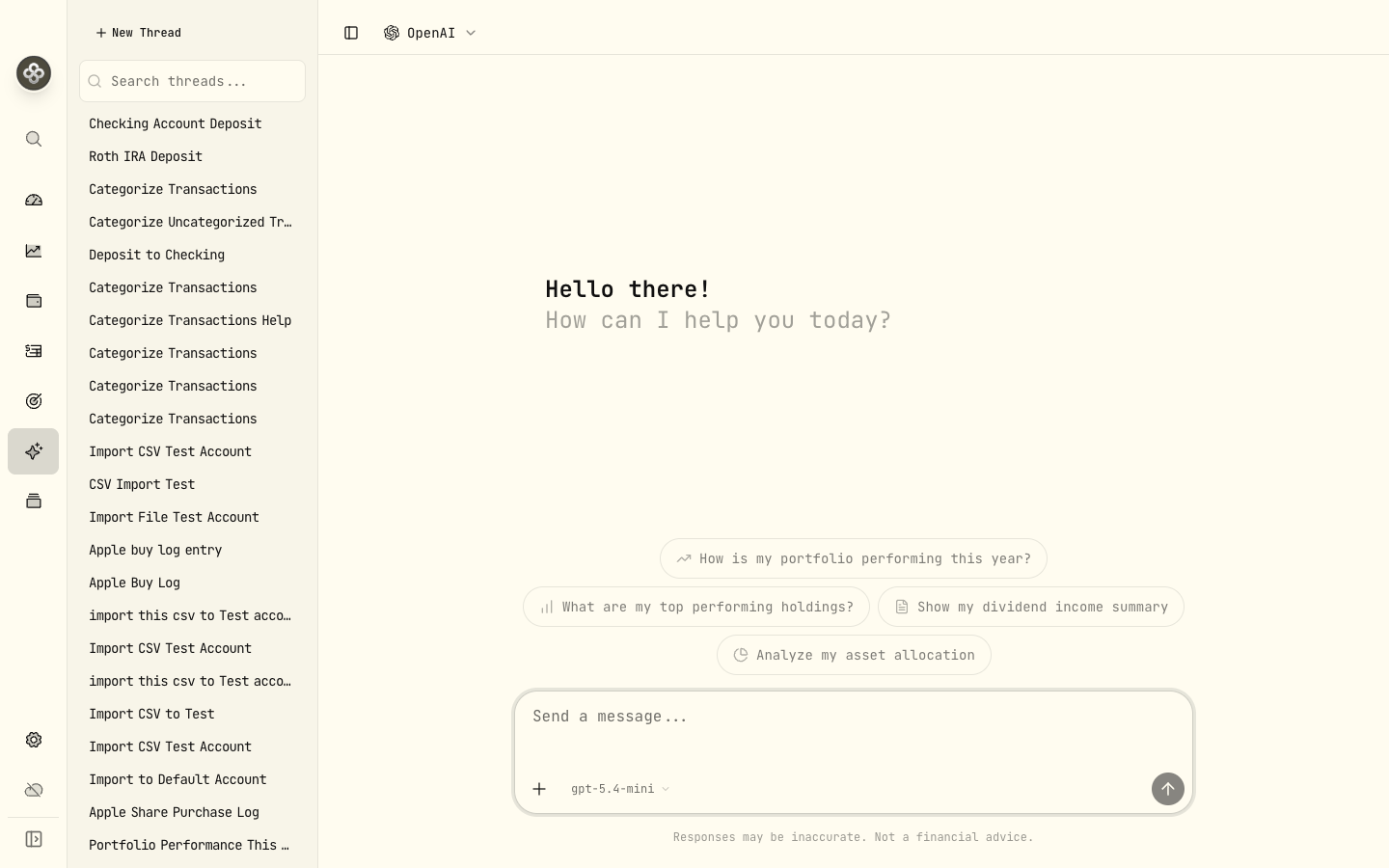
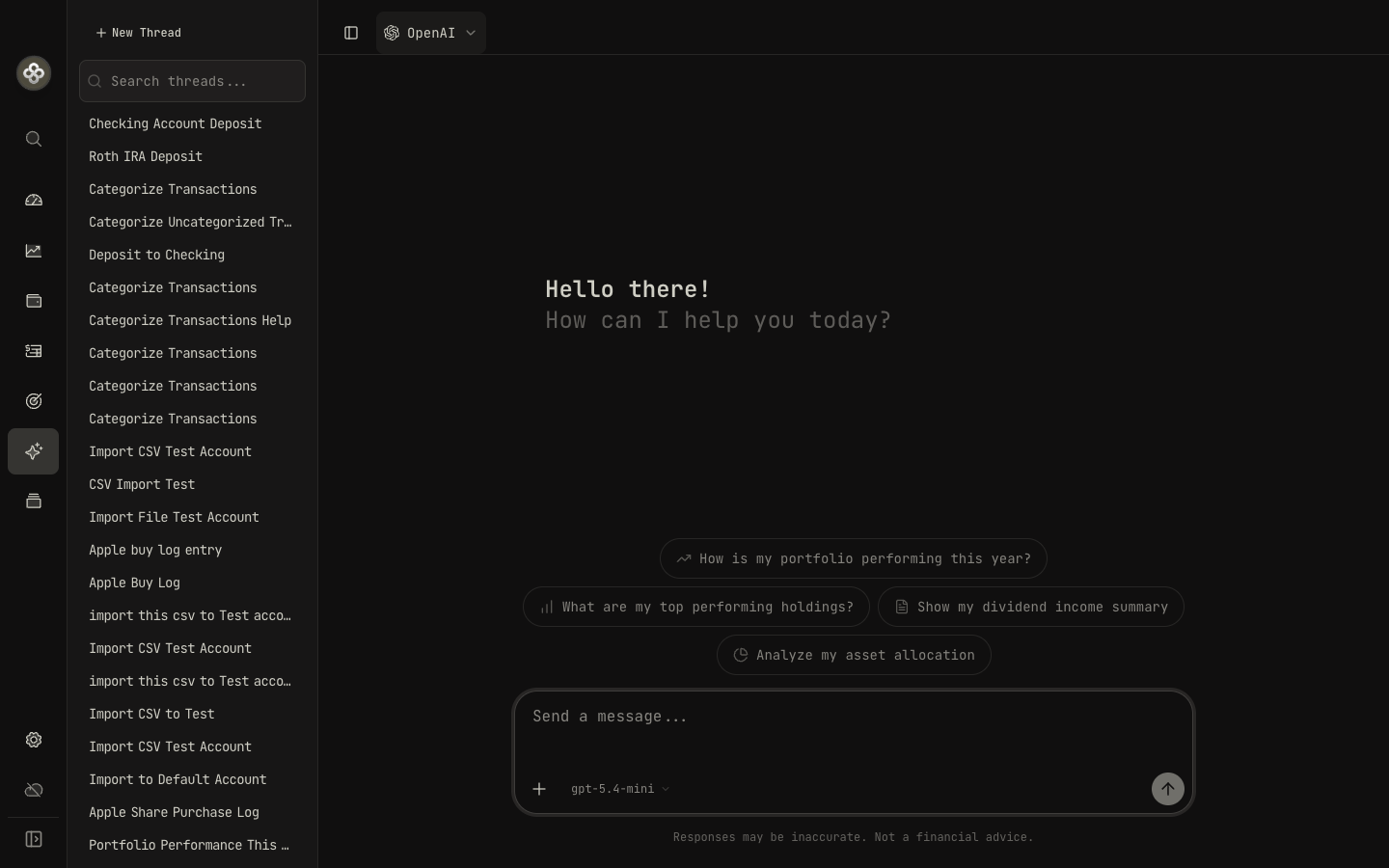
1 · What it can do
The assistant has access to a tool registry of typed, scoped functions over your portfolio. The read-only set covers the questions you usually want answered:
get_holdings— current positions, optionally filtered by account or asset type.get_accounts— list your accounts and balances.get_cash_balances— cash positions per account and currency.get_performance— TWR / MWR / volatility / drawdown for a period.search_activities— query activities by date range, type, symbol, or account.get_valuation_history— portfolio valuation series over time.get_income— dividend / interest income, grouped however you ask.get_asset_allocation— composition by sector, region, asset class.get_goals— saved goals and progress.get_health_status— current Health Center findings.
There are also safe-mutation tools, gated by an explicit confirmation prompt in the chat UI before they run:
record_activity— record a single activity from the conversation.record_activities— record several at once.import_csv— feed a CSV into the importer.
A typical exchange:
You: What dividend income did I get in 2024, grouped by asset?
Assistant: calls
get_income(period: "2024", group_by: "asset", type: "DIVIDEND")Here’s your 2024 dividend income by holding:
- MSFT: $312.40
- JNJ: $244.10
- VTI: $186.75
- …
The LLM picks the tools, calls them, and summarizes the results. Your raw activities never go to the model. Only the tool call and its structured result.
2 · What it can’t do (yet)
- Give financial advice. It’ll tell you what you own, not what you should own. We intentionally don’t fine-tune for advice. There’s no model the size that fits in consumer LLM constraints that gives advice we’d trust.
- Browse the web. The assistant only reads your local database. It can’t fetch news, pull updated prices, or check today’s market.
- Mutate your portfolio without asking. The mutation tools (
record_activity,record_activities,import_csv) always require explicit user confirmation in the chat UI before they run. No other write paths exist. You can’tDELETEyour portfolio by asking nicely.
3 · Choose a provider
Six providers are supported out of the box. Configure them under Settings → AI Assistant.
| Provider | Where it runs | Cost | Setup |
|---|---|---|---|
| Ollama | Your machine | Free | Install Ollama and pull a tool-capable model |
| Groq | Groq cloud | Per-token (paid) | Add your API key |
| Google AI (Gemini) | Google cloud | Per-token (paid) | Add your API key |
| Anthropic (Claude) | Anthropic’s servers | Per-token (paid) | Add your API key |
| OpenAI | OpenAI’s servers | Per-token (paid) | Add your API key |
| OpenRouter | OpenRouter cloud | Per-token (paid; free tier available) | Add your API key |
Each provider also accepts a Custom Endpoint field, so you can point it at an OpenAI-compatible gateway (LM Studio, vLLM, Together, etc.) without picking a separate provider type.
Ollama (recommended for privacy)
Models that support tool calling are required (the assistant relies on tool calls to fetch your data). Models configured by default:
gemma4:e4b(default)qwen3.5:9bgpt-oss:20bministral-3deepseek-r1:8b(thinking model; no tool support today)
Setup:
# Install Ollama from https://ollama.com
ollama pull gemma4:e4b
ollama serve
In Wealthfolio: Settings → AI Assistant → Provider: Ollama, Server URL
http://localhost:11434, model gemma4:e4b.
Anthropic, OpenAI, Google AI, Groq, OpenRouter
Paste your API key. Models configured by default:
- Anthropic:
claude-sonnet-4-6(default),claude-haiku-4-5-20251001(cheaper + fast),claude-opus-4-7(largest). - OpenAI:
gpt-5.4family —gpt-5.4-mini(default),gpt-5.4-nano,gpt-5.4. - Google AI:
gemini-2.5-flash(default),gemini-2.5-pro,gemini-3-flash-preview. - Groq:
openai/gpt-oss-120b(default),groq/compound,moonshotai/kimi-k2-instruct-0905. - OpenRouter:
openrouter/free(default) and a handful of free tier models via OpenRouter’s catalog.
API keys are encrypted in your Wealthfolio key store before being persisted. They never leave your device except in the API requests the assistant itself makes.
OpenAI-compatible custom endpoints
Each provider exposes a Custom Endpoint field — point any of them at an OpenAI-compatible gateway (LM Studio, vLLM, Together, Fireworks, a self-hosted gateway) and use that provider’s model picker. Picking OpenAI + a custom endpoint is the easiest path for “an OpenAI-shaped API that isn’t OpenAI.”
Reasoning models that hide their thinking (DeepSeek-Reasoner, o1-style) may not
return clean function-call output. Use a non-reasoning variant for the assistant — e.g.
deepseek-chat rather than deepseek-reasoner.
4 · What gets sent to the LLM
Each turn, the assistant sends:
- Your question.
- The system prompt describing the available tools.
- Whatever tool results you’ve fetched so far in this conversation.
It does not send:
- The raw contents of your database.
- Your API keys for other services.
- Any activity, holding, or balance unless an explicit tool call returned that data.
If you’re using Ollama, none of the above leaves your machine. If you’re using a hosted provider, the data sent is what’s in the conversation transcript: everything you asked plus everything the tool calls retrieved during the chat.
Privacy tip: if a question doesn’t need account-specific data, you can ask it without first running a tool. The LLM will answer from its training knowledge alone and no portfolio data leaves your machine.
5 · Chat history
Conversations are stored locally and persist across app restarts. Each thread has an auto-generated title (from the first question). To clean up:
- Delete a thread: open the thread → ⋯ → Delete.
- Wipe all history: Settings → AI Assistant → Clear all conversations.
6 · Streaming and cost
Both Ollama and hosted providers stream tokens as they’re generated; answers appear incrementally. Tool calls run between streams (the model decides to call a tool, the tool runs locally, the model continues).
For paid providers, every chat turn (and every tool call result the model considers) counts toward your token usage. Tool results are usually small (the assistant queries get specific summaries, not full activity dumps), but a chat with many turns can add up. The provider’s dashboard is the source of truth for costs.
7 · Troubleshooting
”No response” / hangs forever
- Ollama: make sure
ollama serveis running and the model is pulled. Trycurl http://localhost:11434/api/tagsto confirm. - Hosted: check your API key has tool-use enabled (some accounts need to enable function calling in the provider dashboard) and that you have credits.
”The model called a tool that doesn’t exist”
Some smaller open-source models hallucinate tool names. Switch to a larger or
tool-tuned model (e.g. gemma4:e4b or qwen3.5:9b from the bundled Ollama list).
Answers are vague or wrong
The assistant is only as good as the model. If you’re on Ollama with a small model, upgrade to a larger one or switch to a hosted provider for harder questions. For follow-up precision, ask the assistant to “show me the tool call it ran.” It’ll surface the exact query.
Numbers don’t match the dashboard
The assistant runs the same underlying queries the UI does, so numbers should match. If they don’t:
- Make sure the time period in your question matches what the dashboard is showing.
- The dashboard may be filtered to a specific account; ask the assistant explicitly “across all accounts” or “for account X”.
- File an issue on GitHub with the discrepancy.
Next step: Once you’re comfortable with the assistant, the Health Center is a good place to catch data inconsistencies before you ask the assistant deep questions.