

Allocation Targets & Rebalancing
Define a target portfolio, see how far each holding has drifted, and generate a concrete buy/sell rebalance plan.
Allocation Targets, introduced in 3.5, lets you define the portfolio you want, see how far your actual holdings have drifted from it, and generate a rebalance plan that tells you exactly what to buy or sell.
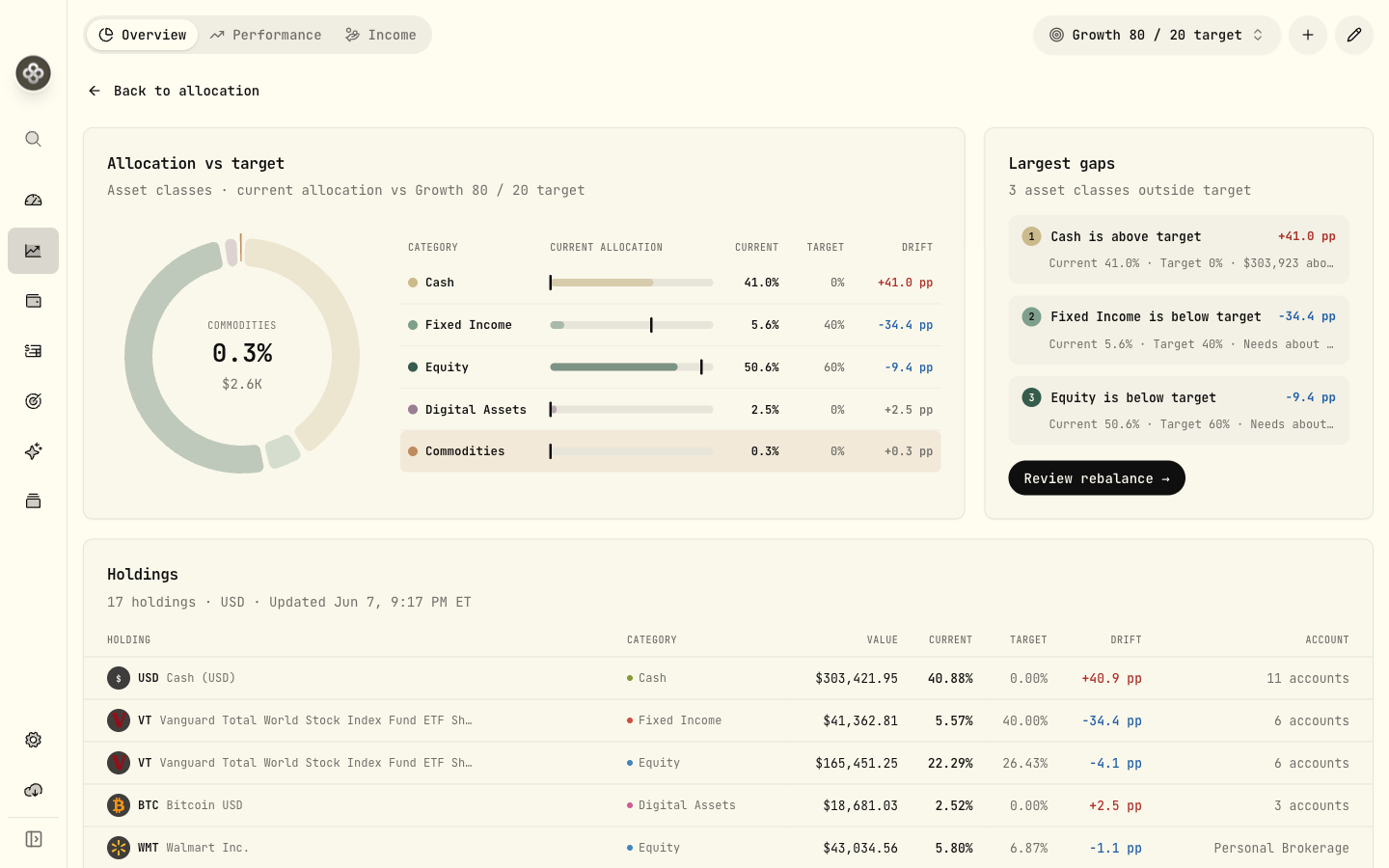
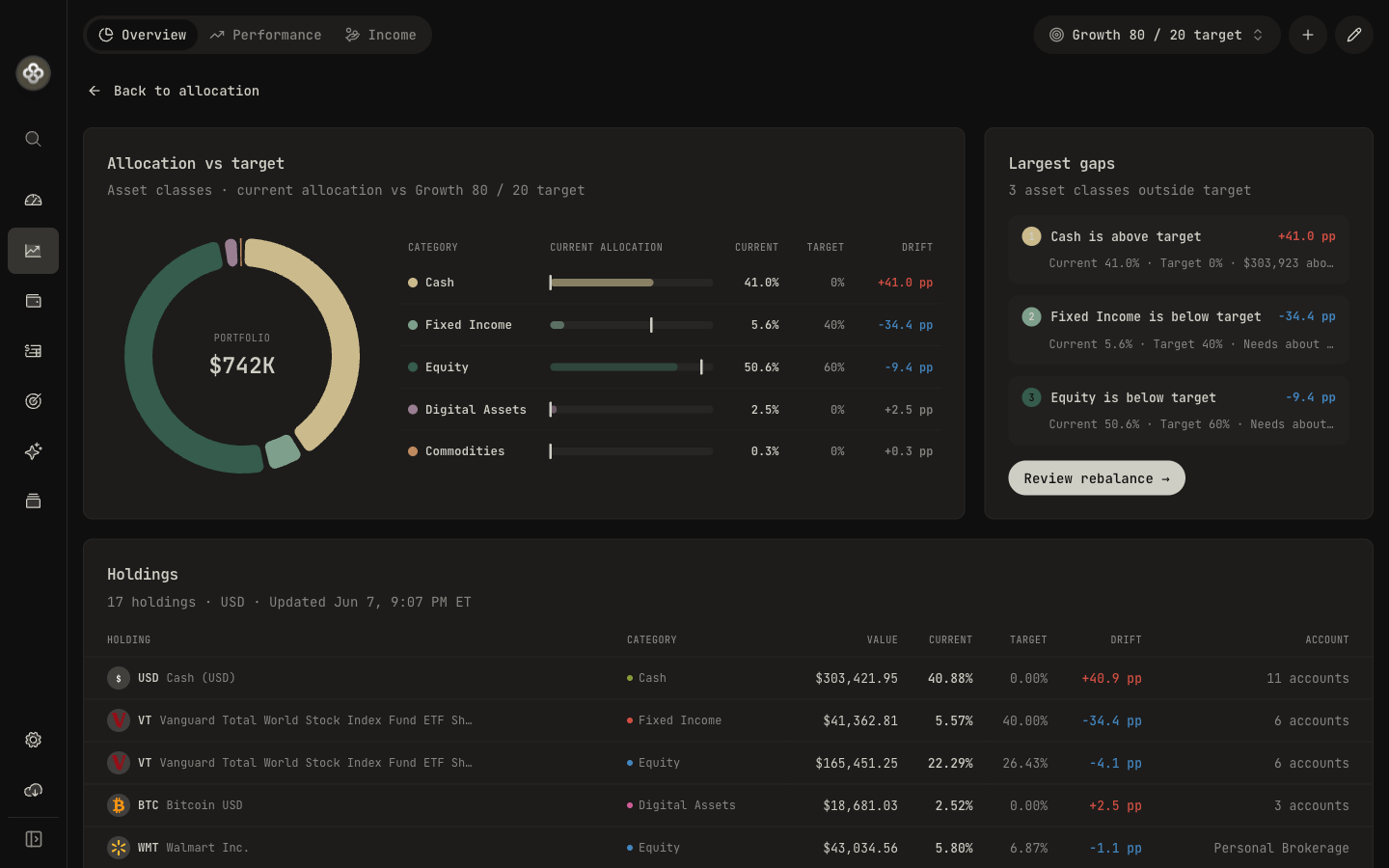
The feature has three parts: an Overview of your current versus target allocation, a Targets editor, and a Rebalance planner.
Setting targets
In the Targets editor, create a target by choosing an allocation type, a starting point, and the weights you want.
Allocation type
Target by any of these taxonomies:
- Asset Classes (e.g. stocks / bonds / commodities)
- Industries (GICS sectors)
- Risk Category (Low / Medium / High)
- Regions (continents / geographies)
- Custom Groups
Starting point
Begin from a preset model or build your own. Built-in presets include, among others:
| Taxonomy | Example presets |
|---|---|
| Asset Classes | Balanced 60/40, Growth 80/20, All Weather, Permanent Portfolio |
| Industries | S&P 500 weights, Equal Weight, Defensive Equity |
| Risk Category | Conservative, Balanced, Aggressive |
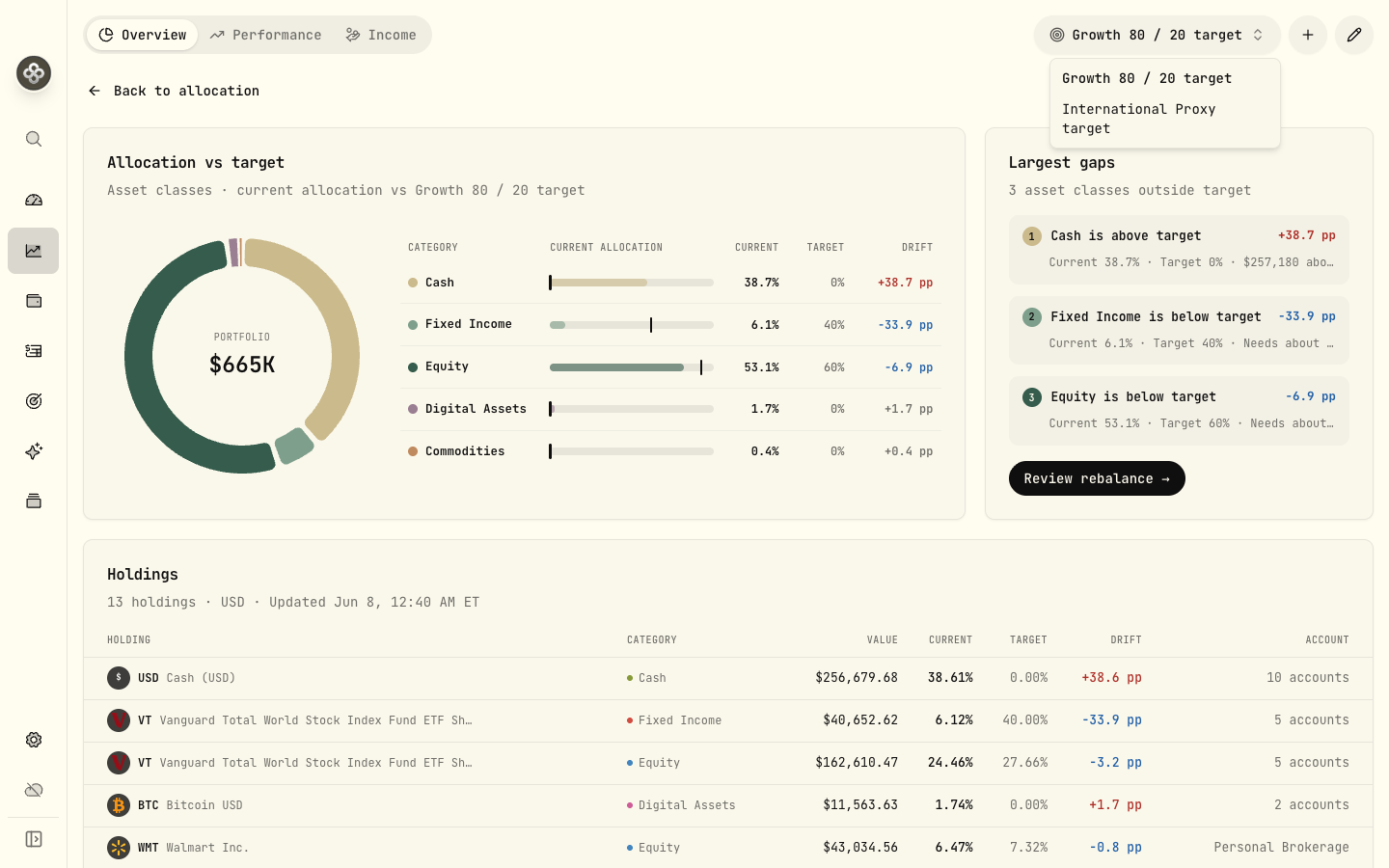
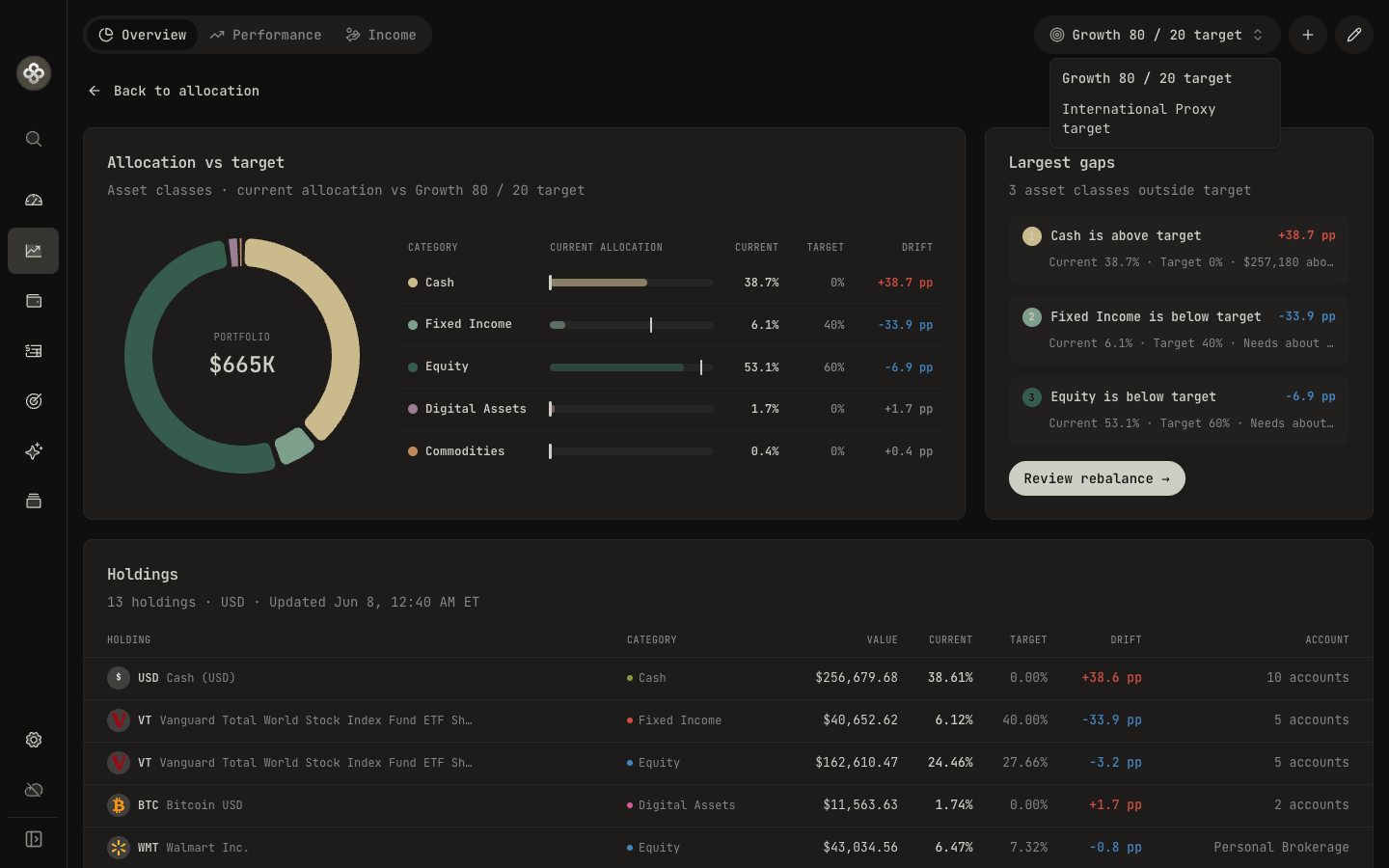
| Regions | Global Cap, International Proxy, Equal Weight |
You can also start from your current holdings and adjust from there. Target weights must total 100 %.
Scope
A target applies to a scope: all accounts, a custom portfolio, or a single account.
Reading drift
The Overview shows how far you’ve strayed from your target.
- Drift is your current allocation minus your target, in percentage points.
- Each category is Overweight, Underweight, In band, or Not targeted.
- The tolerance band (a slider, roughly 0.5 %–10 %, default 5 %) defines how much drift is acceptable. Categories inside the band need no action; categories outside it are flagged.
- The largest gaps card surfaces the most out-of-band categories first, and a holdings table shows current %, target %, and drift per holding.
Building a rebalance plan
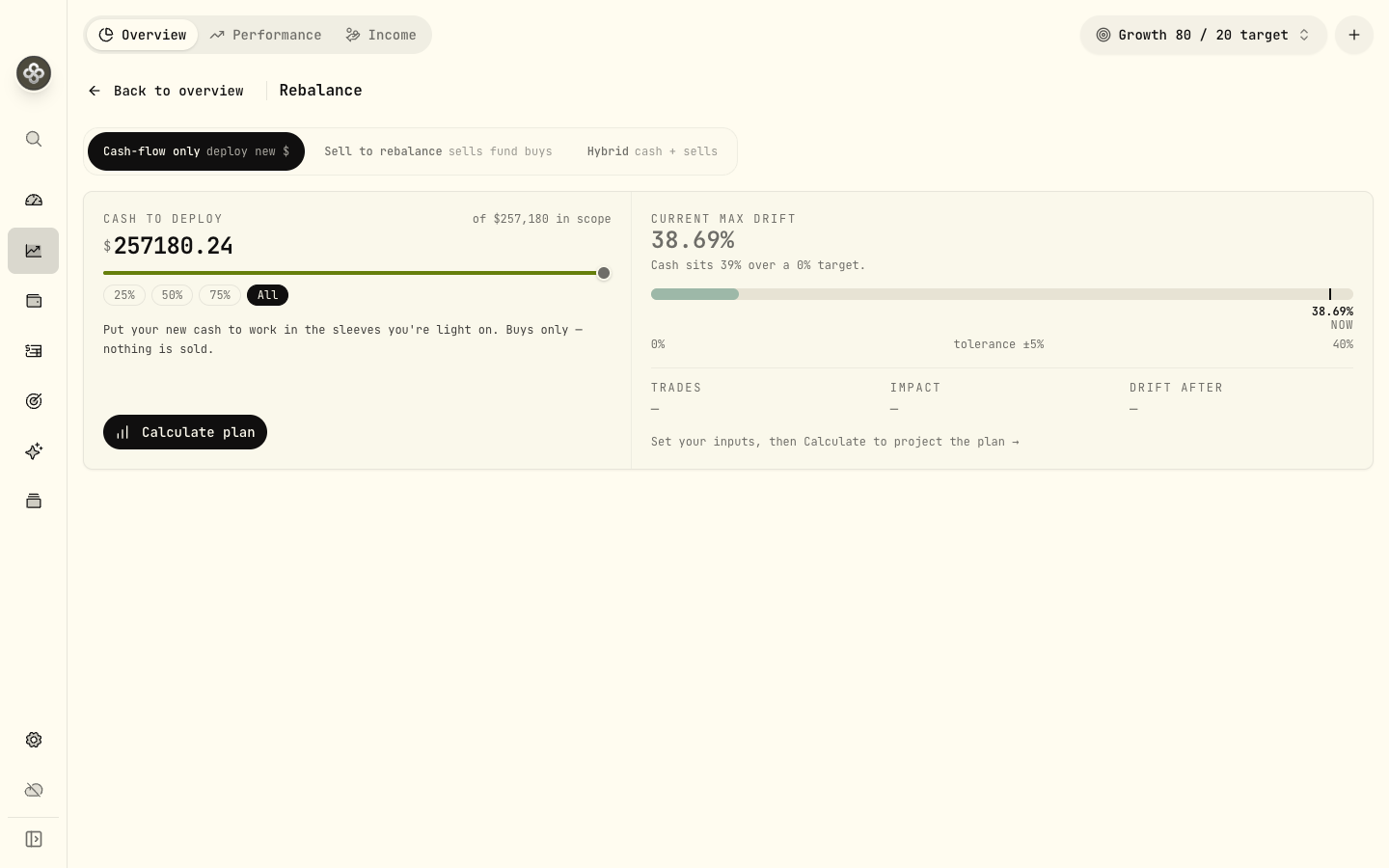
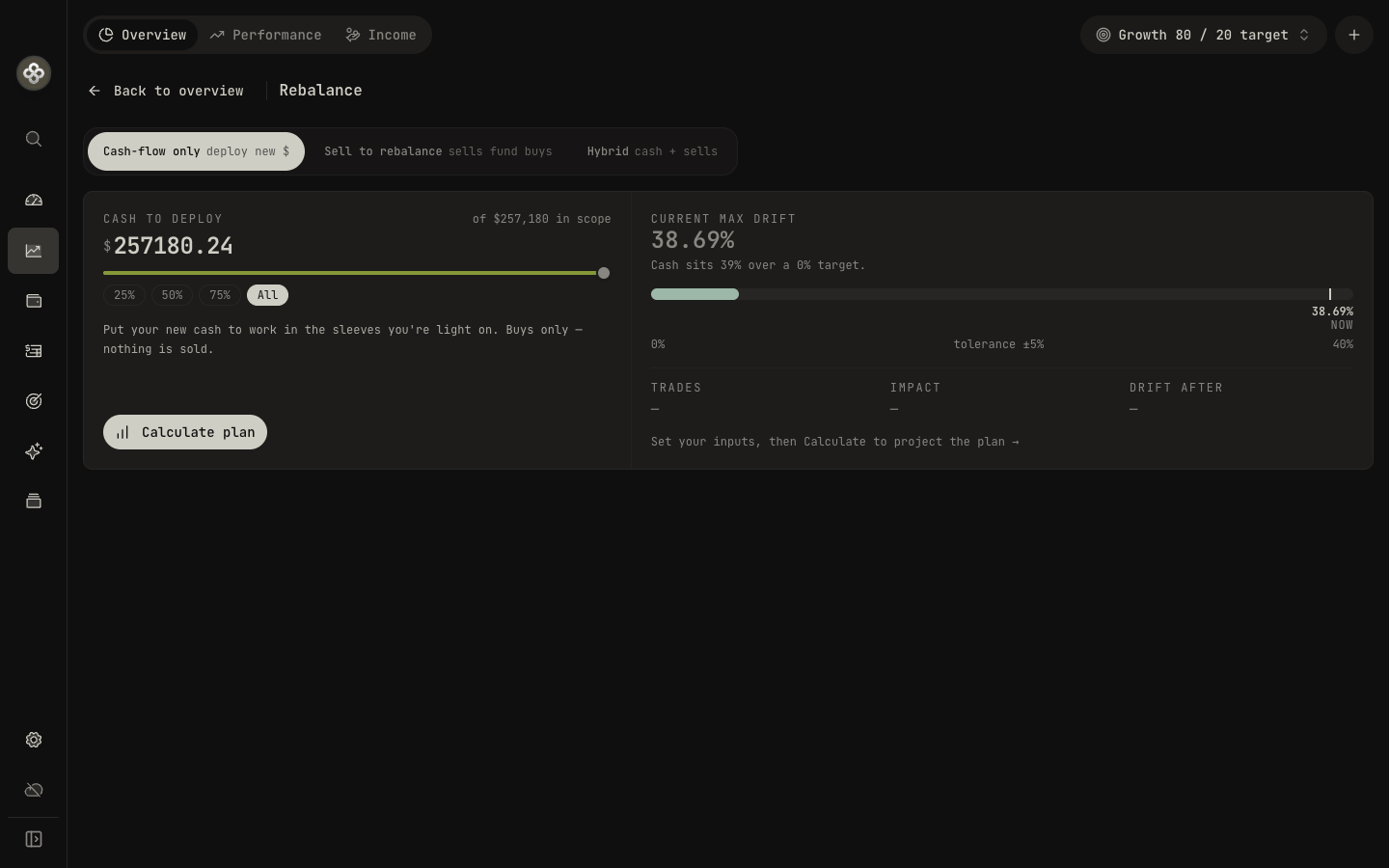
The Rebalance planner turns drift into a concrete list of trades. Choose a strategy and a few constraints, then calculate.
Strategy
| Mode | What it does |
|---|---|
| Cash-flow only | Deploys new cash into underweight categories. Buys only, no sells. |
| Sell to rebalance | Sells overweight positions and uses the proceeds to buy underweight ones. |
| Hybrid | Invests new cash first, then sells overweight only if cash alone can’t close the gaps. |
Constraints
- Goal: stop at the nearest band (pragmatic) or push to the exact target (precise).
- Share sizing: allow fractional shares for precision, or whole shares only (which may leave a little drift).
- Minimum trade size: exclude trades smaller than an amount you set.
The plan
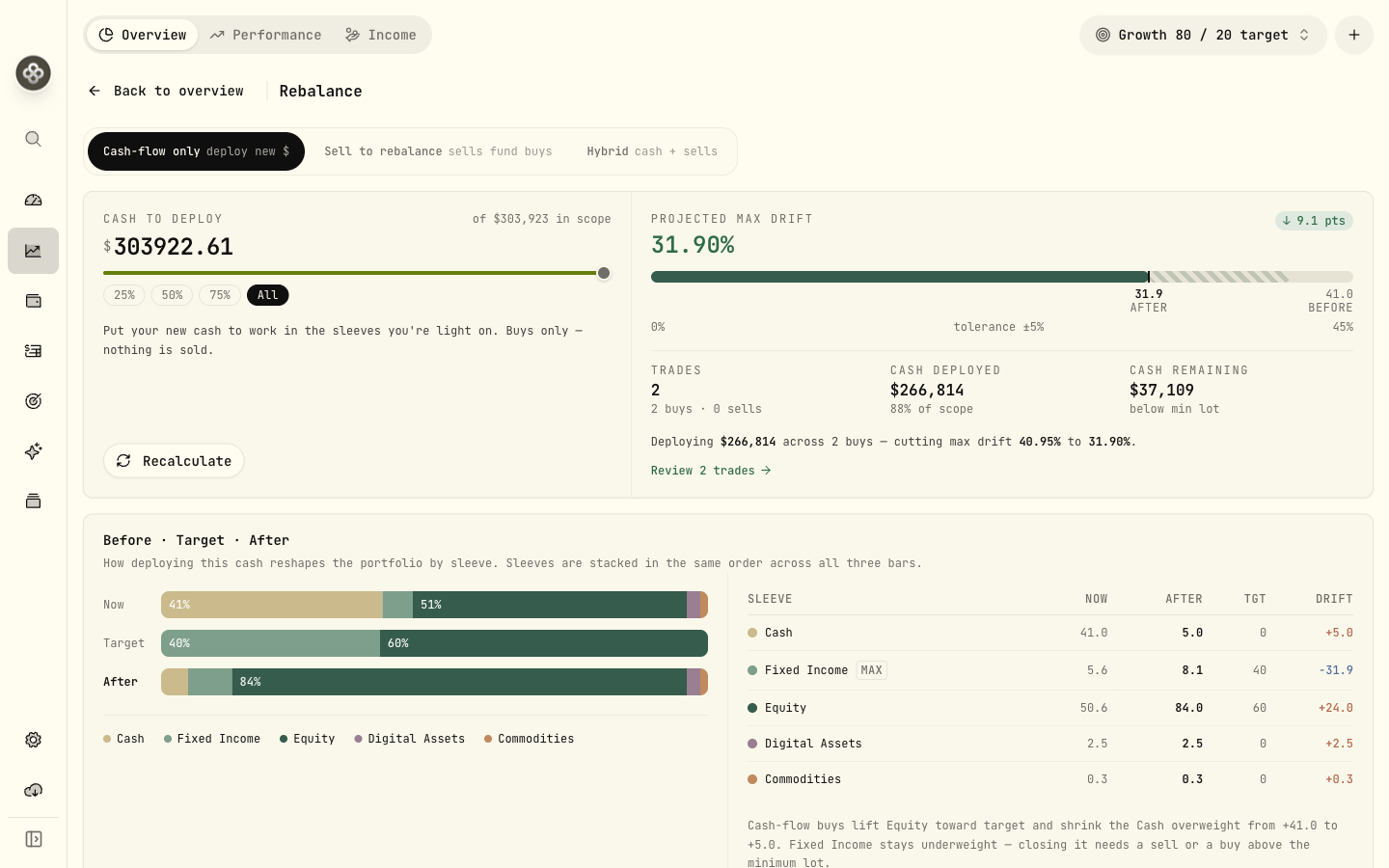
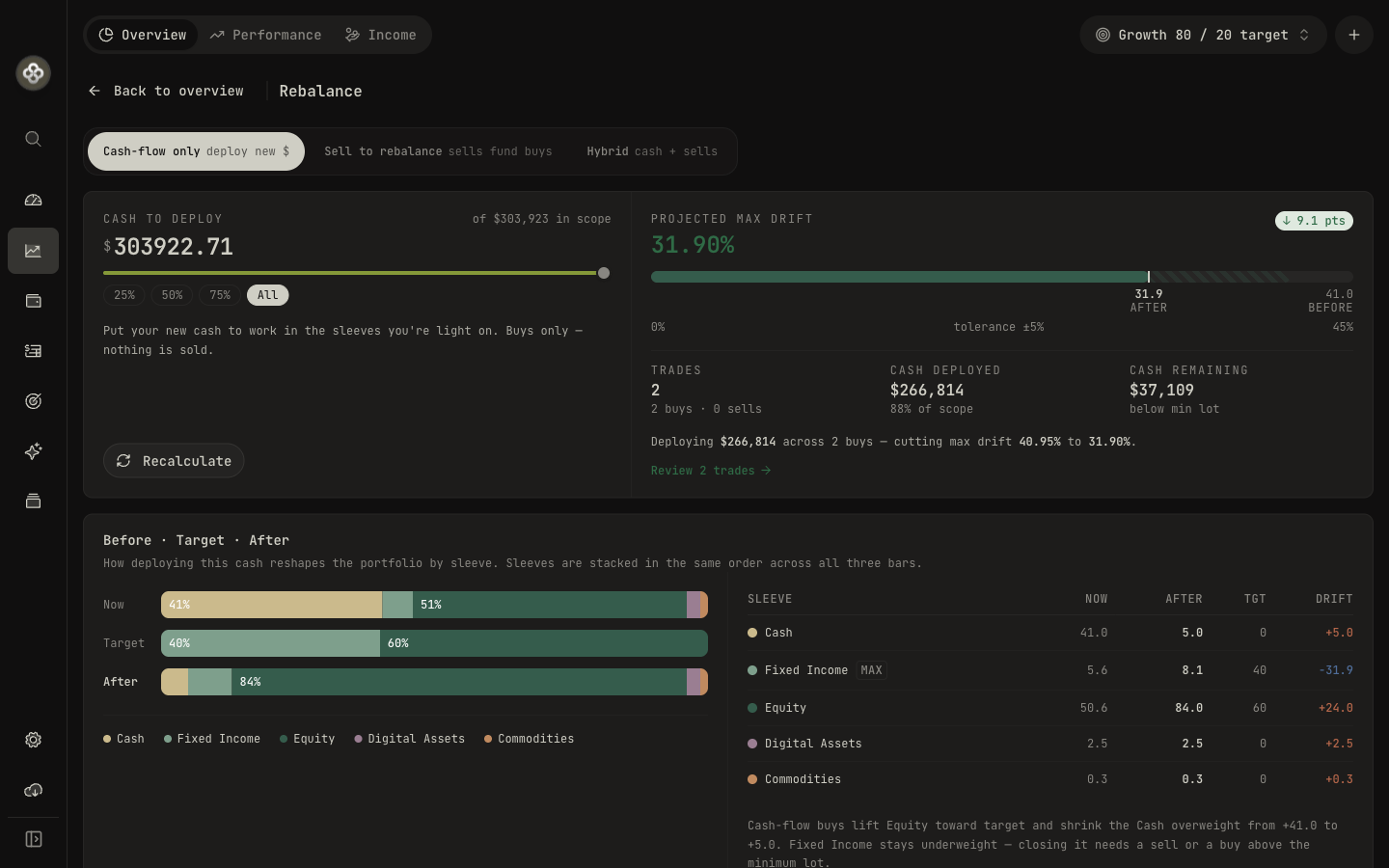
Wealthfolio suggests trades using a drift-priority optimizer. Each step buys or sells the share that reduces total drift the most. Each suggested trade shows the action (BUY / SELL), symbol, category, amount, share quantity, last price, and the reason. The summary reports the number of trades, cash deployed and remaining, and max drift before → after, with a per-category before · target · after bar.
Wealthfolio flags warnings when it’s missing a quote, can’t classify a holding, or finds no buy candidates, so you know where a plan is incomplete.
Exporting
When the plan looks right, you can act on it:
- Export CSV: downloads
rebalance-plan-{name}-{date}.csvwith metadata (currency, cash totals, max drift before/after) and one row per trade. - Copy as text: copies a plain-text summary to your clipboard to paste anywhere.
Wealthfolio doesn’t place trades for you. Take the plan to your broker and execute it there.
Related
- Dashboards: asset-allocation donut and Holdings → Insights cuts.
- Spending & Budgets: the other major 3.5 module.